Private budgeting app

Peace, love
& cash flow.

Import, organise, analyse, and understand the money already moving through your accounts.

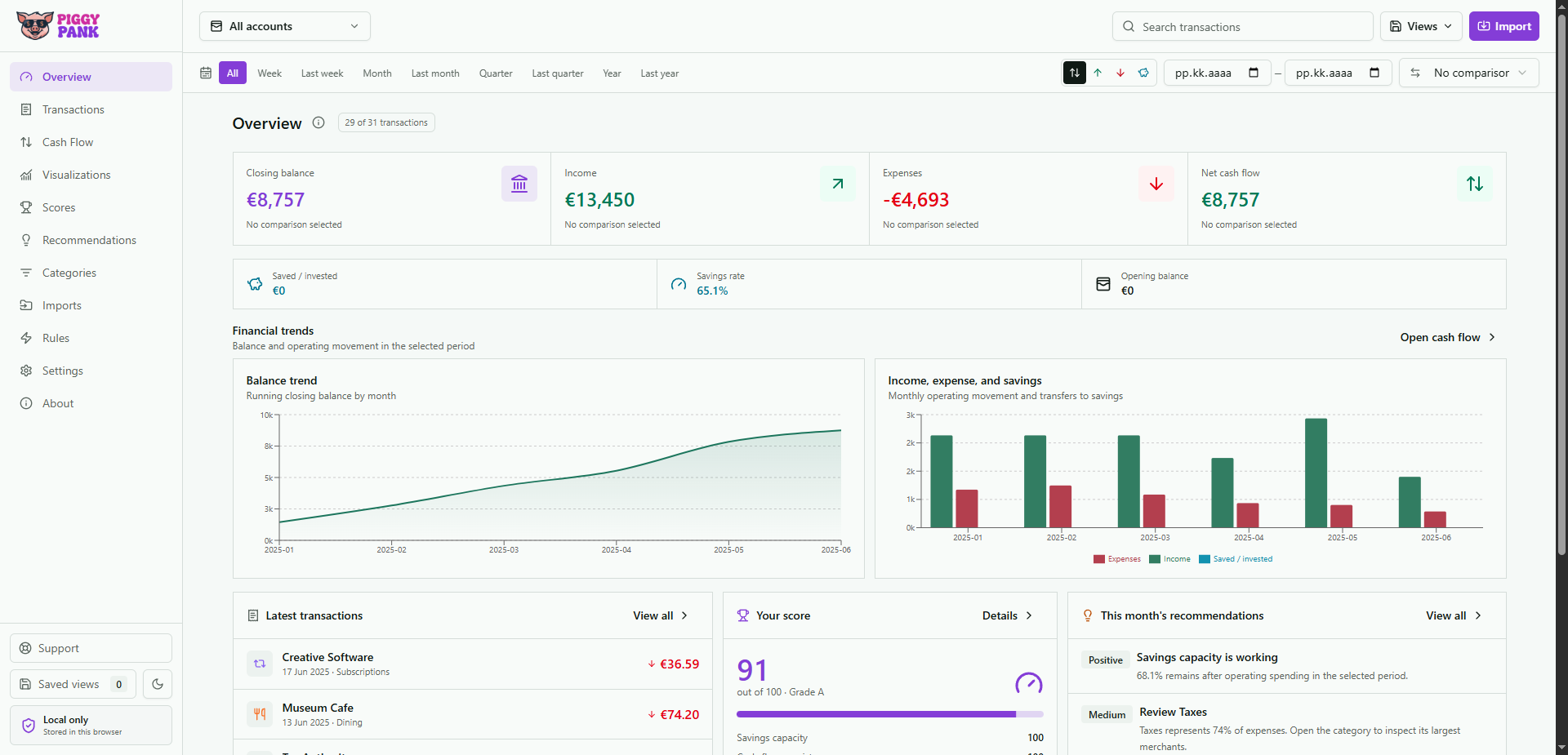
PiggyPank overview showing balances, cash flow, trends, score, and recommendations
Local by designRaw data stays in your browser

What PiggyPank does

Cash happens. Know where.

Money clarity should not feel like punishment. PiggyPank turns CSV, XML, XLSX, MT940, OFX, QFX, and QIF statement exports into calm visibility. Your browser. Your data.

The working view

Imagine knowing where it all went.

From transactions and cash flow to scores and twelve visualisations, every answer leads back to the rows behind it.

1 / 10

01 · Transactions

Find any movement, fast.

Every row stays searchable, filterable, and connected to its source.

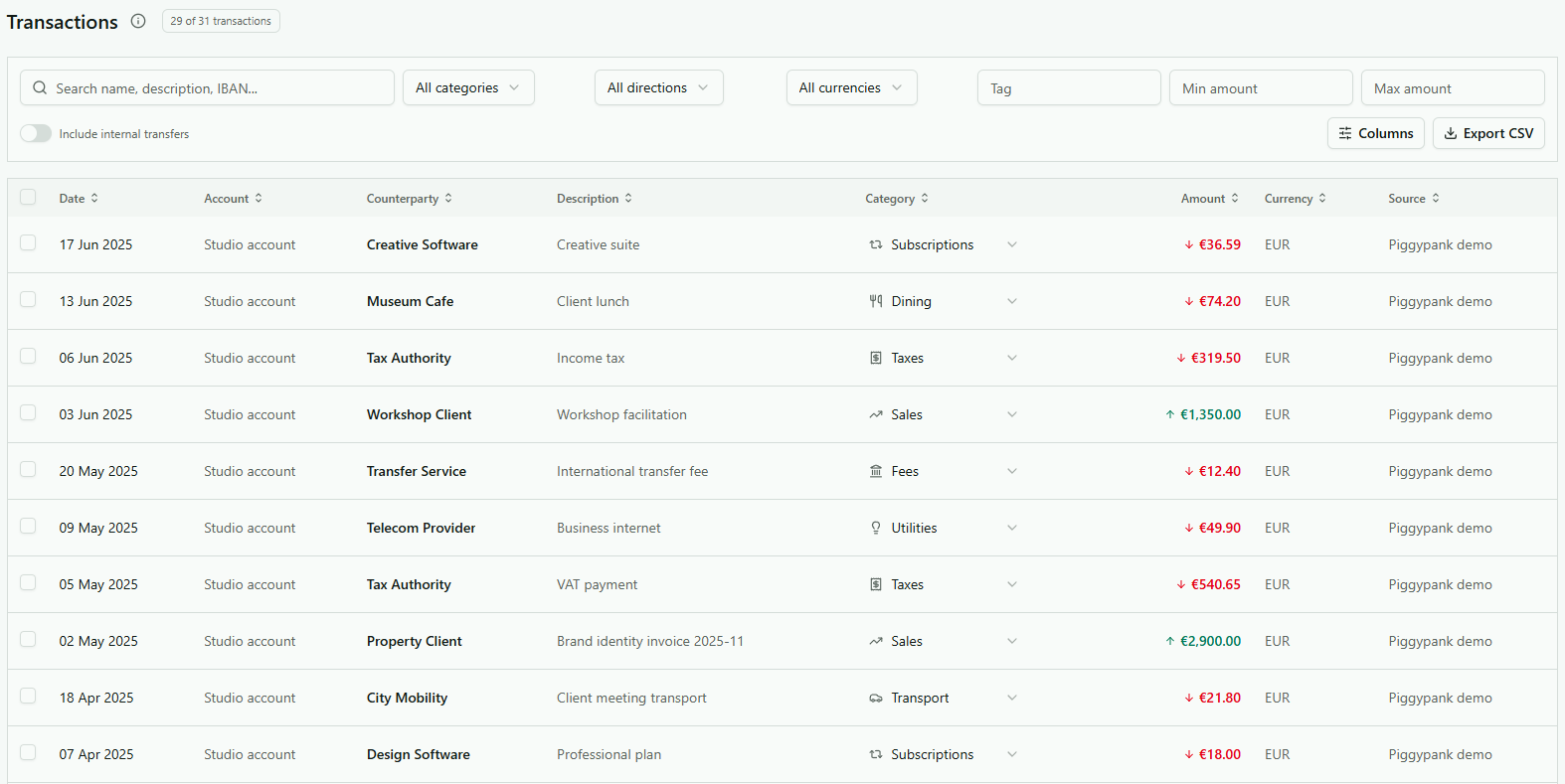
Search names, descriptions, and IBANs, then narrow the list by category, direction, currency, tag, amount, or account. Keep internal transfers in or out of the view and export the result when needed.

  • Flexible filters
  • Editable columns
  • CSV export

PiggyPank transaction list with search and financial filters

02 · Subscriptions

Renewal day should not be a surprise.

See what recurs each month, what it means annually, and what changed.

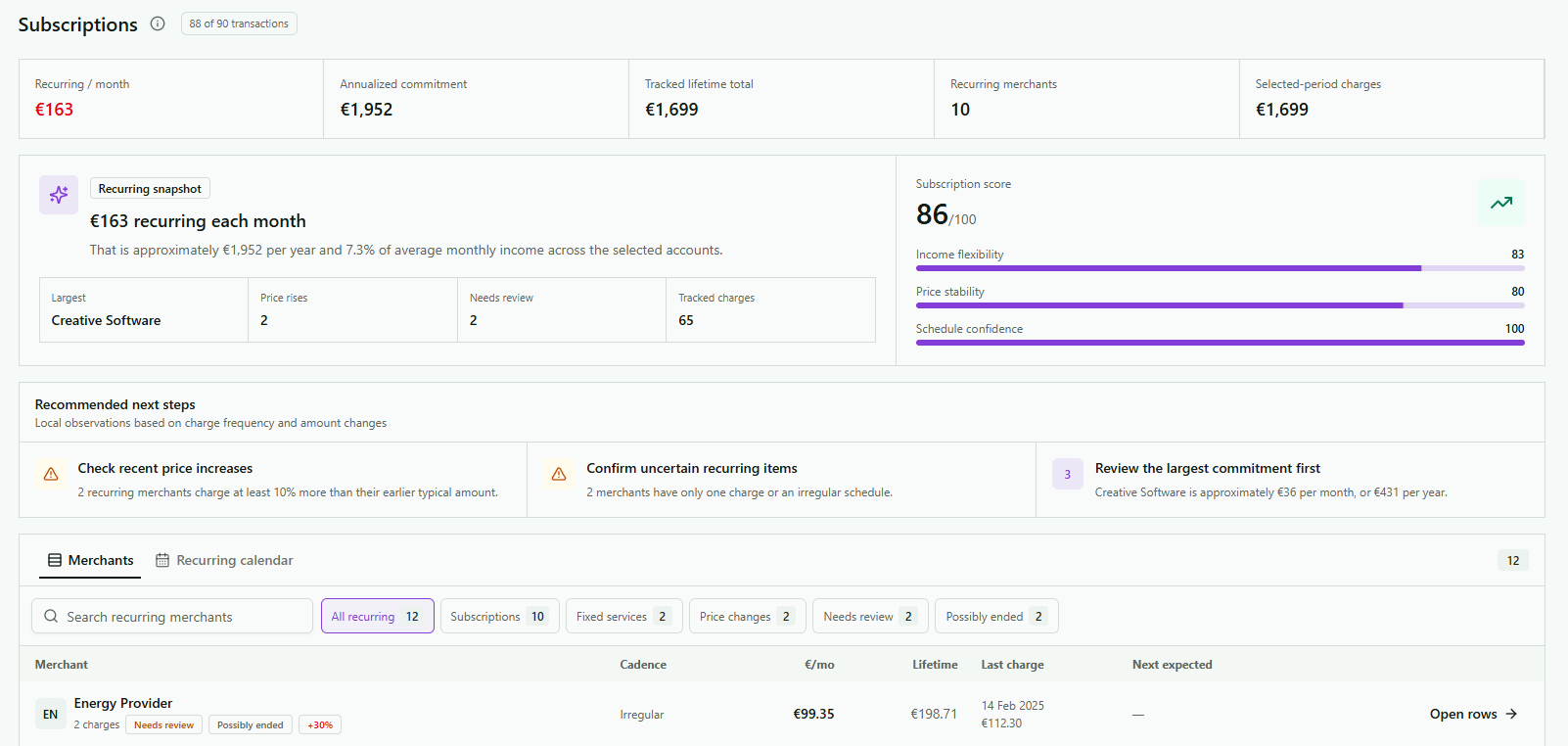
Track subscriptions and fixed services by merchant, cadence, monthly cost, lifetime total, and next expected charge. Review price increases, uncertain schedules, possibly ended services, and the largest commitments, then open the underlying rows.

  • Monthly and annual commitment
  • Price-change and review alerts
  • Merchant and calendar views
PiggyPank subscriptions overview with recurring totals, score, alerts, and merchant tracking

03 · Cash flow

See where the month really moved.

Income, expenses, savings, and closing cash share one readable story.

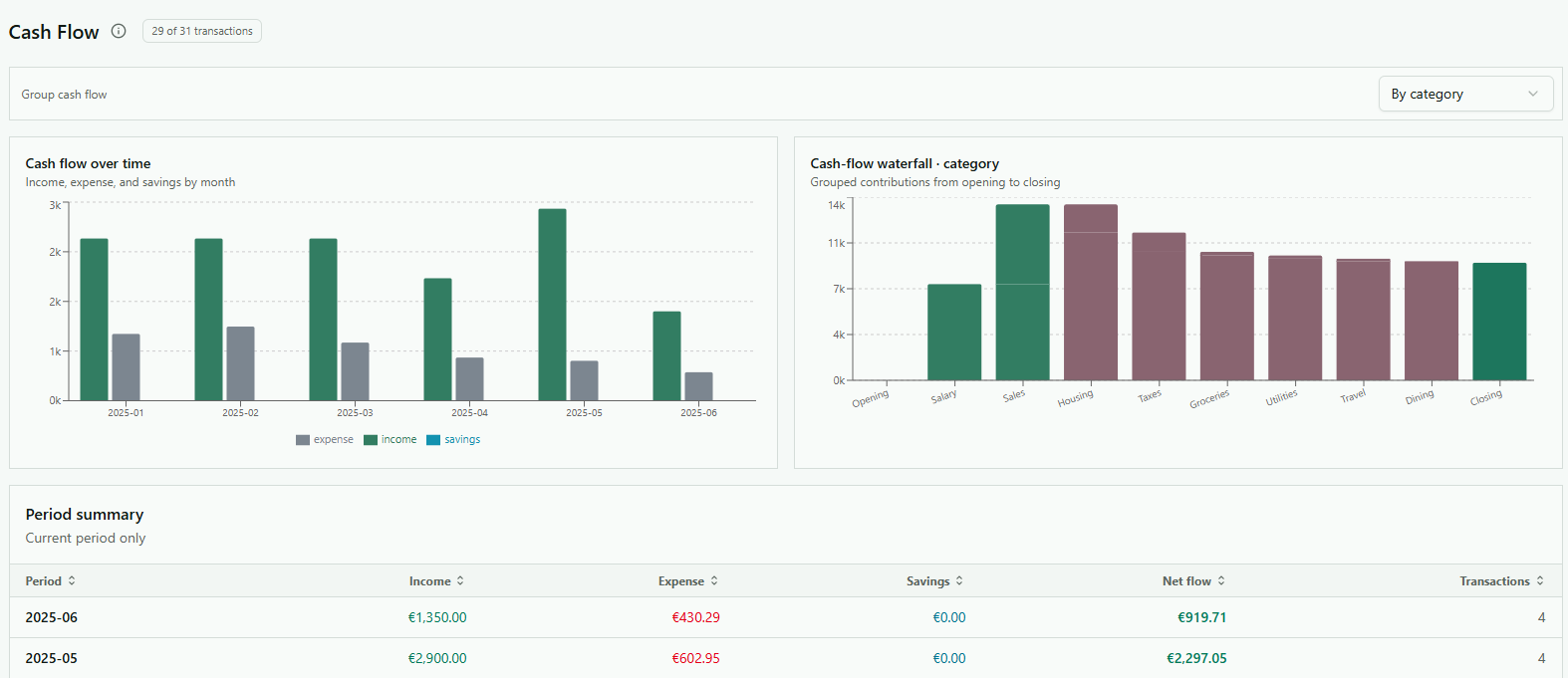
Compare monthly movement, switch grouping, read the category waterfall from opening to closing, and inspect the exact period totals behind the charts.

  • Monthly movement
  • Category waterfall
  • Period summary
PiggyPank cash-flow charts and period summary

04 · Categories

Give every euro a useful place.

Categories become working budgets, not decorative labels.

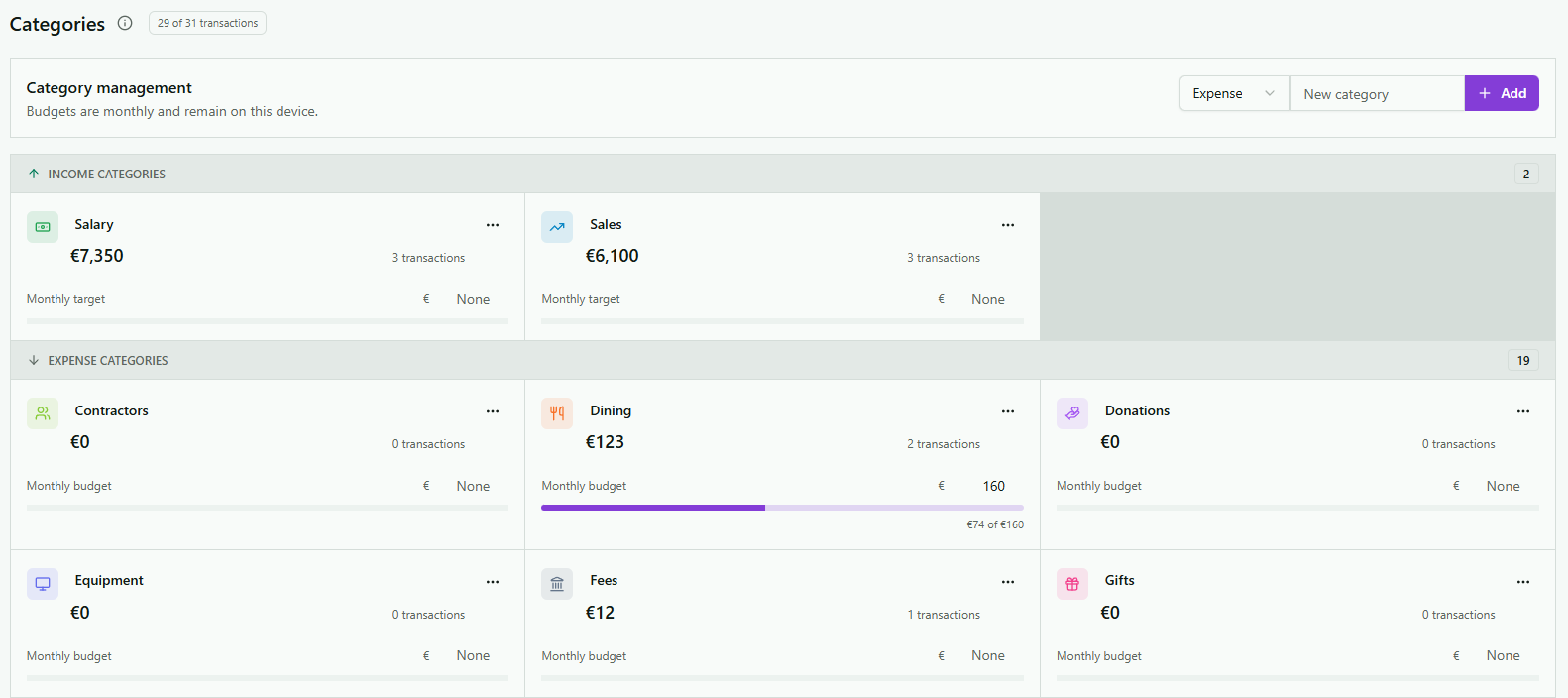
Separate income and expense categories, add new ones, set monthly targets or budgets, and watch progress against actual transactions. Budget data remains on the device.

  • Monthly budgets
  • Income targets
  • Live progress
PiggyPank category management with monthly budgets and targets

05 · Rules

Correct it once. Keep the lesson.

Local automation turns repeated corrections into reusable rules.

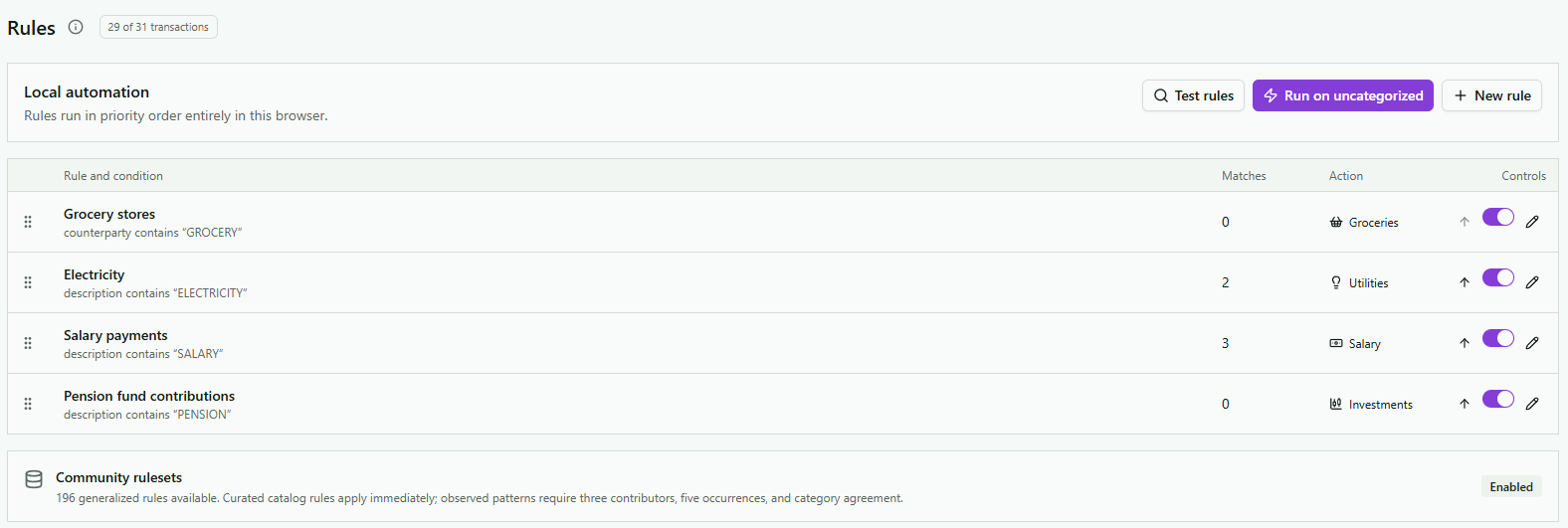
Build conditions around counterparties and descriptions, choose the destination category, set rule priority, test the result, and run enabled rules across uncategorised transactions.

  • Priority order
  • Rule testing
  • Local execution
PiggyPank local categorisation rules and controls

06 · Filters

One filter bar. Every point of view.

Shape the same financial picture across every view and visualisation.

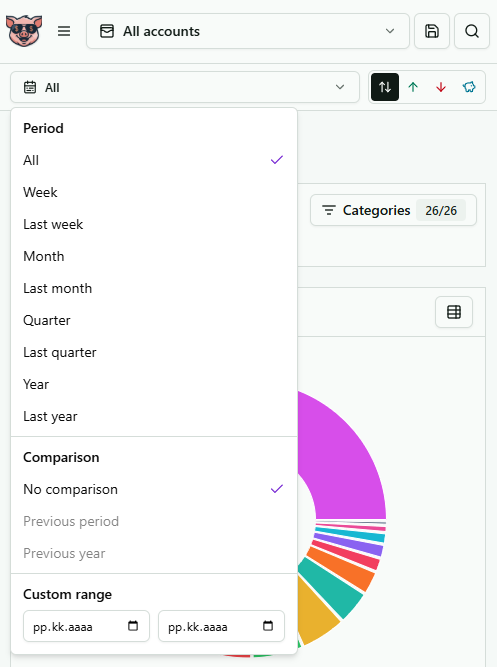
Choose one or many accounts, combine personal and business profiles, search the data, and switch between preset or custom periods. Compare with a previous period or year, then focus on income, expenses, savings, or selected categories.

  • Multiple accounts and profiles
  • Custom periods and comparisons
  • Income, expense, savings, and search
PiggyPank global filters with account, period, comparison, category, and direction controls

07 · Visualisations

Twelve ways to see the same truth.

Choose the view that makes the pattern obvious, then open the rows behind it.

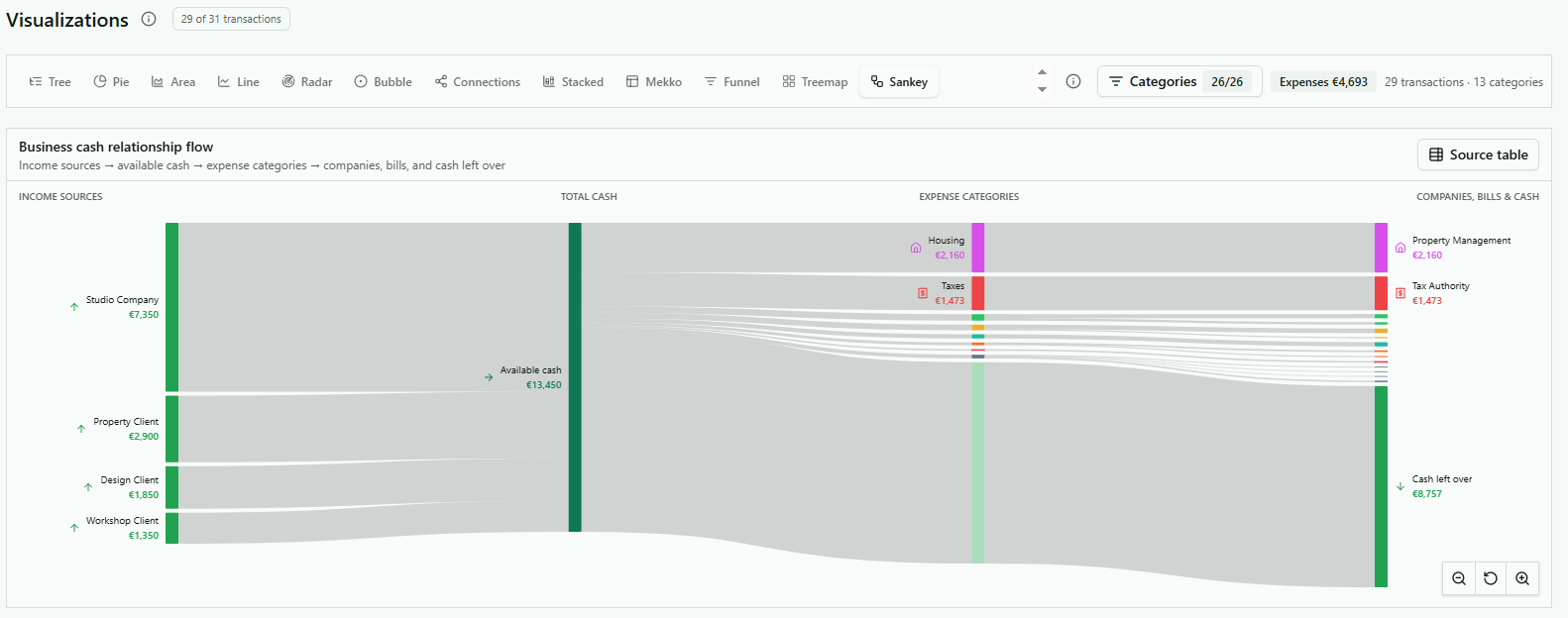
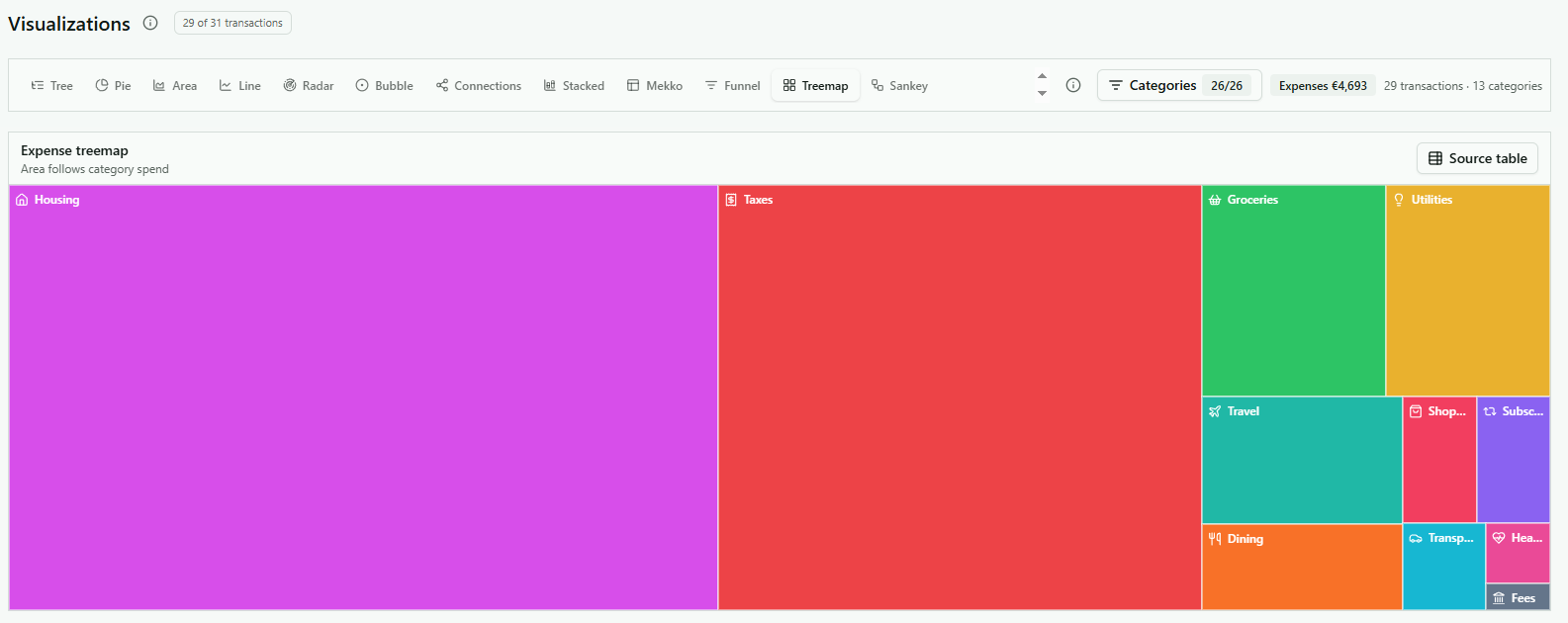
Move from quick proportions and trends to relationship flows without leaving the same financial dataset.

TreePieAreaLineRadarBubbleConnectionsStackedMekkoFunnelTreemapSankey
  • 12 visualisations
  • Category and source filters
  • Source-table access
PiggyPank Sankey visualisation of income sources and expense categoriesPiggyPank expense treemap grouped by financial category

08 · Recommendations

Signals, not guilt trips.

Useful opportunities sit beside the positive signals already working.

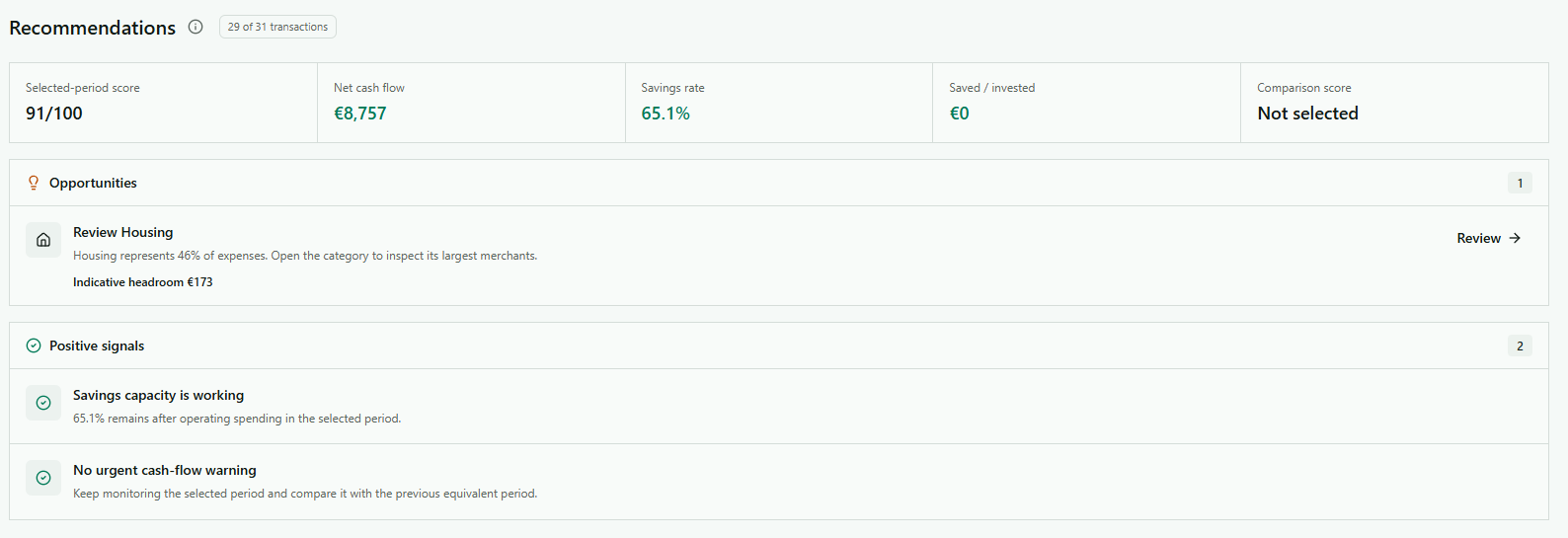
Recommendations combine the selected-period score, net cash flow, savings rate, and saved amount. Open the relevant category when something deserves attention and keep calm when no urgent warning exists.

  • Practical opportunities
  • Positive signals
  • Direct drill-down
PiggyPank financial recommendations with opportunities and positive signals

09 · Scores

A score with reasons attached.

Financial resilience is broken into six practical dimensions.

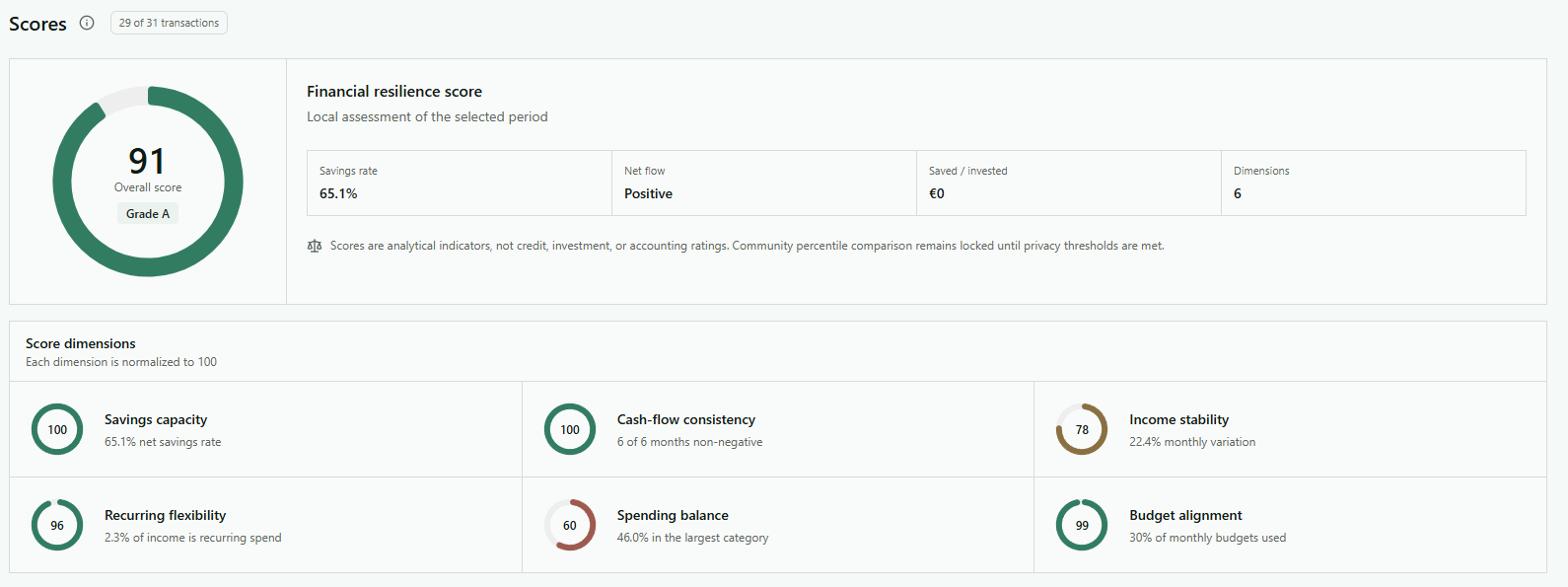
Read savings capacity, cash-flow consistency, income stability, recurring flexibility, spending balance, and budget alignment together. These are analytical indicators, not credit or investment ratings.

  • Six dimensions
  • Period-specific context
  • Transparent indicators
PiggyPank financial resilience score and six score dimensions

10 · Imports

Statement in. History intact.

Each import remains visible and removable as its own batch.

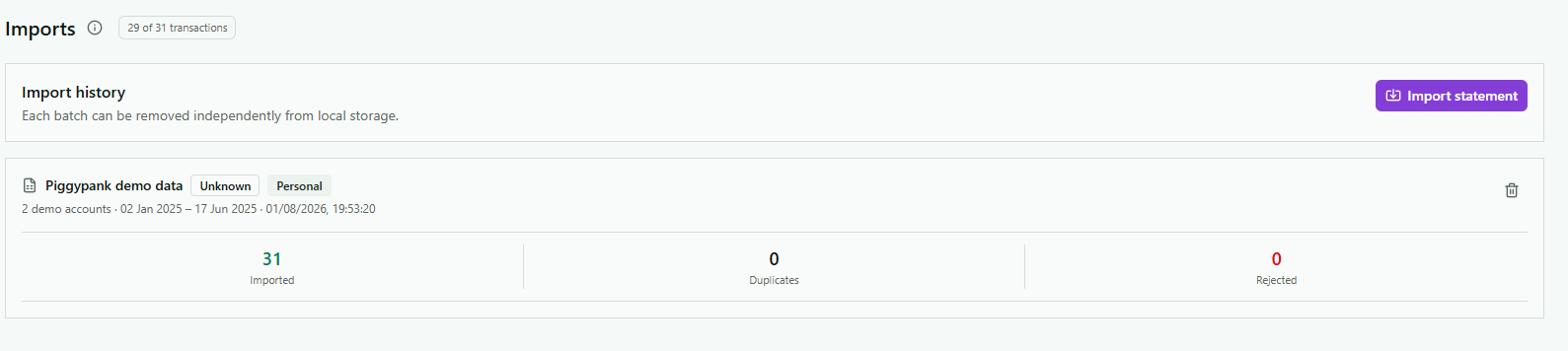
Import CSV, XML/camt.053, XLSX, MT940 through .mt940 and .sta, OFX 1.x/2.x records through .ofx and .qfx, and bank or cash-account QIF through .qif. Then review the account, period, imported rows, duplicates, and rejections for each removable local batch.

  • MT940: .mt940 and .sta
  • OFX/QFX: .ofx and .qfx
  • Bank and cash-account QIF: .qif
PiggyPank statement import history with imported and duplicate totals

Piggy power

Make peace with your money.

Money clarity shouldn’t feel like punishment. Statement in. Stress out.

1 / 30
Money talks. PiggyPank takes notes.

Money talks. PiggyPank takes notes.

Cash happens. Know where.

Transaction tracking

Search by merchant, amount, account, date, category, or tag, then drill back to the original transaction.

WE CAN GROW IT.

WE CAN GROW IT.

See the pig picture.

Savings and investments

Track savings and investments separately from income and expenses, with targets, savings rate, and momentum in view.

MAKE MONEY, NOT MYSTERIES.

MAKE MONEY, NOT MYSTERIES.

Financial clarity is worth protesting for.

Smart categorisation

PiggyPank makes the first category guess. Confirm or change it, then reuse your correction as a rule.

MAKE MONEY, NOT LOVE.

MAKE MONEY, NOT LOVE.

Or both. PiggyPank doesn’t judge.

Cash-flow analysis

Use calendar periods, comparisons, charts, and source-level drill-downs to see where money came from and where it went.

PIGGYPANK WANTS YOU.

PIGGYPANK WANTS YOU.

To check your subscriptions. Yes, all 14 of them.

Subscription checks

Bring recurring charges into one view so renewals are visible before another month quietly passes.

THINK BEFORE YOU TAP.

THINK BEFORE YOU TAP.

Your future self has receipts.

Scores and recommendations

Review resilience, spending, savings, and momentum scores, then act on practical recommendations without guilt trips.

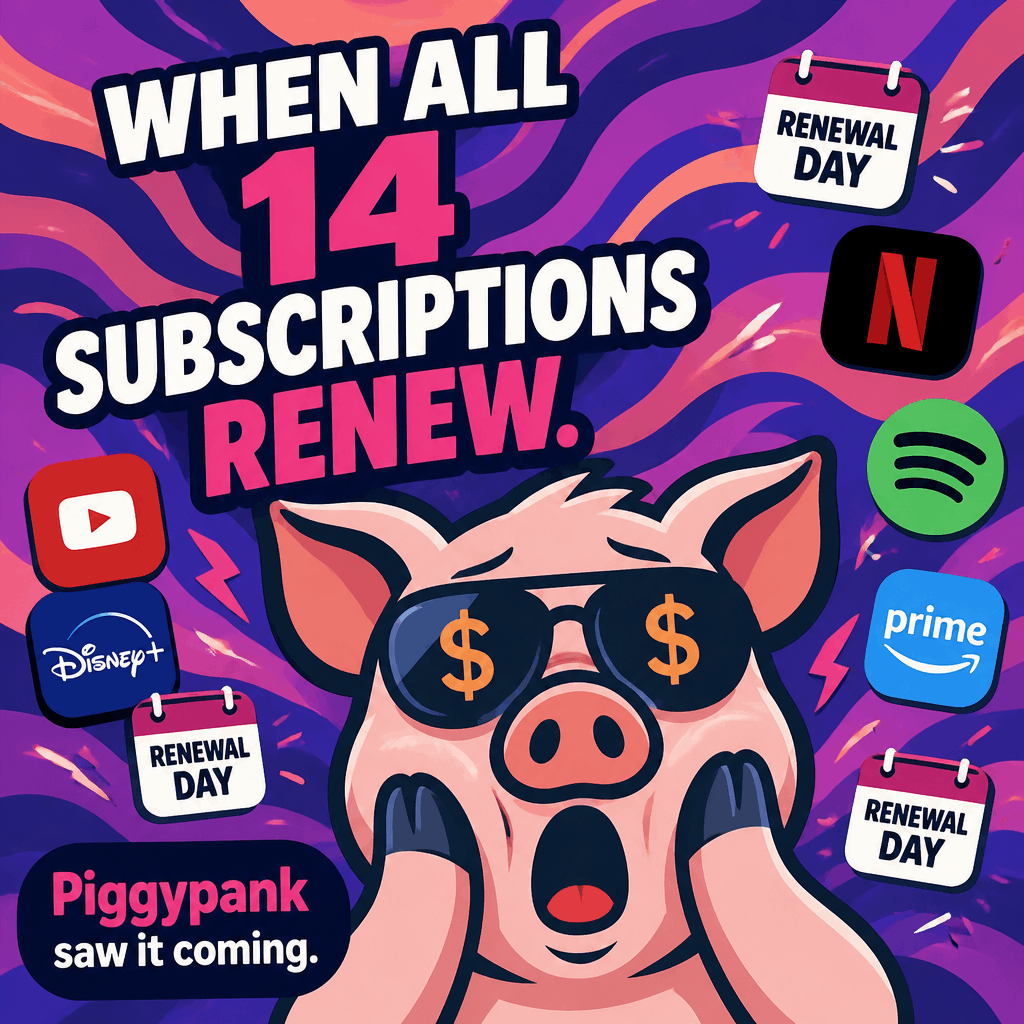
WHEN ALL 14 SUBSCRIPTIONS RENEW.

WHEN ALL 14 SUBSCRIPTIONS RENEW.

PiggyPank saw it coming. Categorize once. Stay calm monthly.

Subscription checks

Bring recurring charges into one view so renewals are visible before another month quietly passes.

LET THERE BE CASH FLOW.

LET THERE BE CASH FLOW.

And there was clarity.

Cash-flow analysis

Use calendar periods, comparisons, charts, and source-level drill-downs to see where money came from and where it went.

THE FACE OF FINANCIAL CLARITY.

THE FACE OF FINANCIAL CLARITY.

Piggy knows where every cent went.

Transaction tracking

Search by merchant, amount, account, date, category, or tag, then drill back to the original transaction.

LIBERTY. EQUALITY. LIQUIDITY.

LIBERTY. EQUALITY. LIQUIDITY.

Take control of your cash flow.

Cash-flow analysis

Use calendar periods, comparisons, charts, and source-level drill-downs to see where money came from and where it went.

PIGS MIGHT FLY. YOUR MONEY SHOULDN’T.

PIGS MIGHT FLY. YOUR MONEY SHOULDN’T.

Keep it visible with PiggyPank.

Transaction tracking

Search by merchant, amount, account, date, category, or tag, then drill back to the original transaction.

FOLLOW THE MONEY.

FOLLOW THE MONEY.

It usually leads to subscriptions.

Subscription checks

Bring recurring charges into one view so renewals are visible before another month quietly passes.

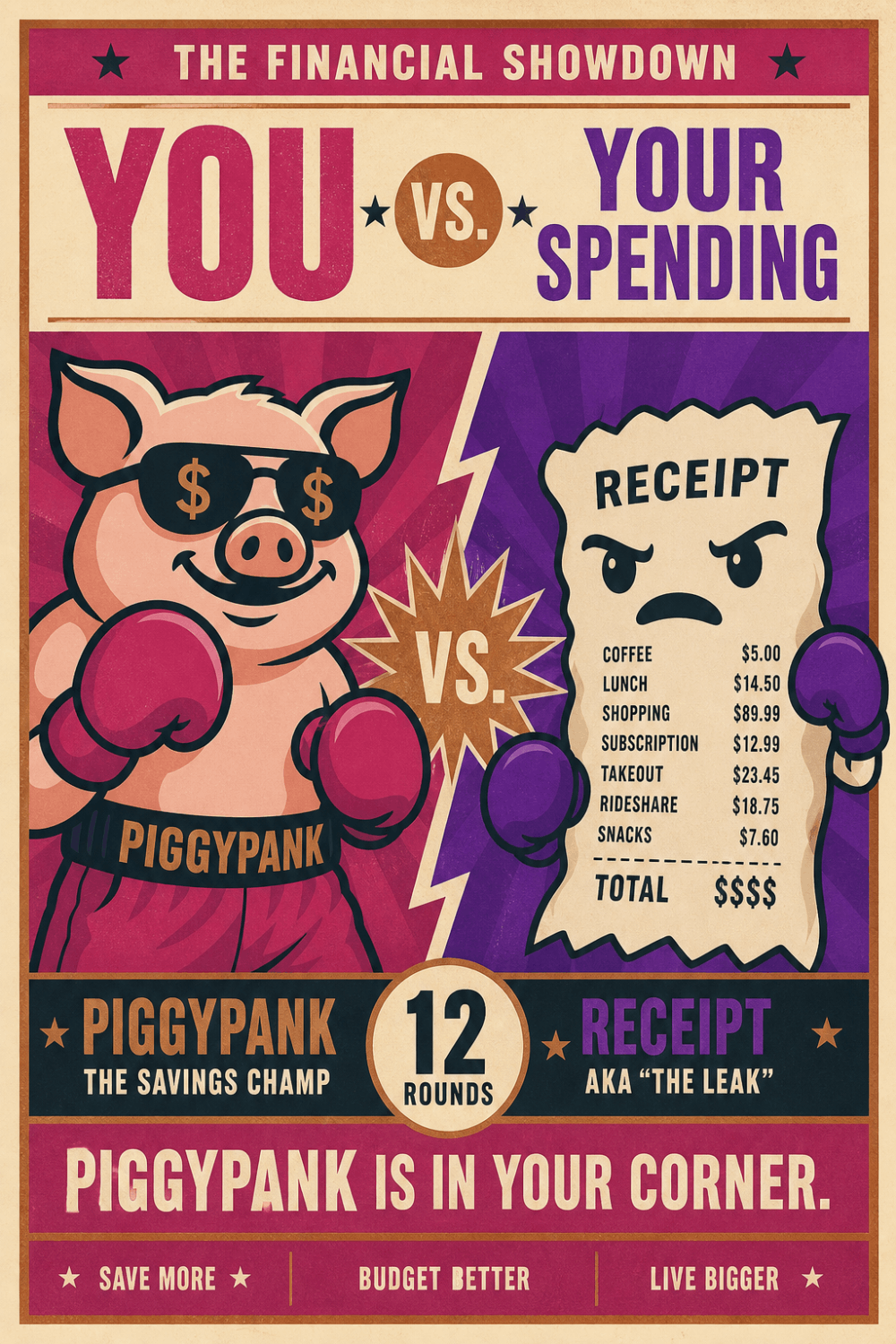
YOU VS. YOUR SPENDING.

YOU VS. YOUR SPENDING.

PiggyPank is in your corner — targets, budgets, and drill-downs without the shame spiral.

Budgets and targets

Set budgets and targets, compare them with actual spending, and drill into the transactions behind every result.

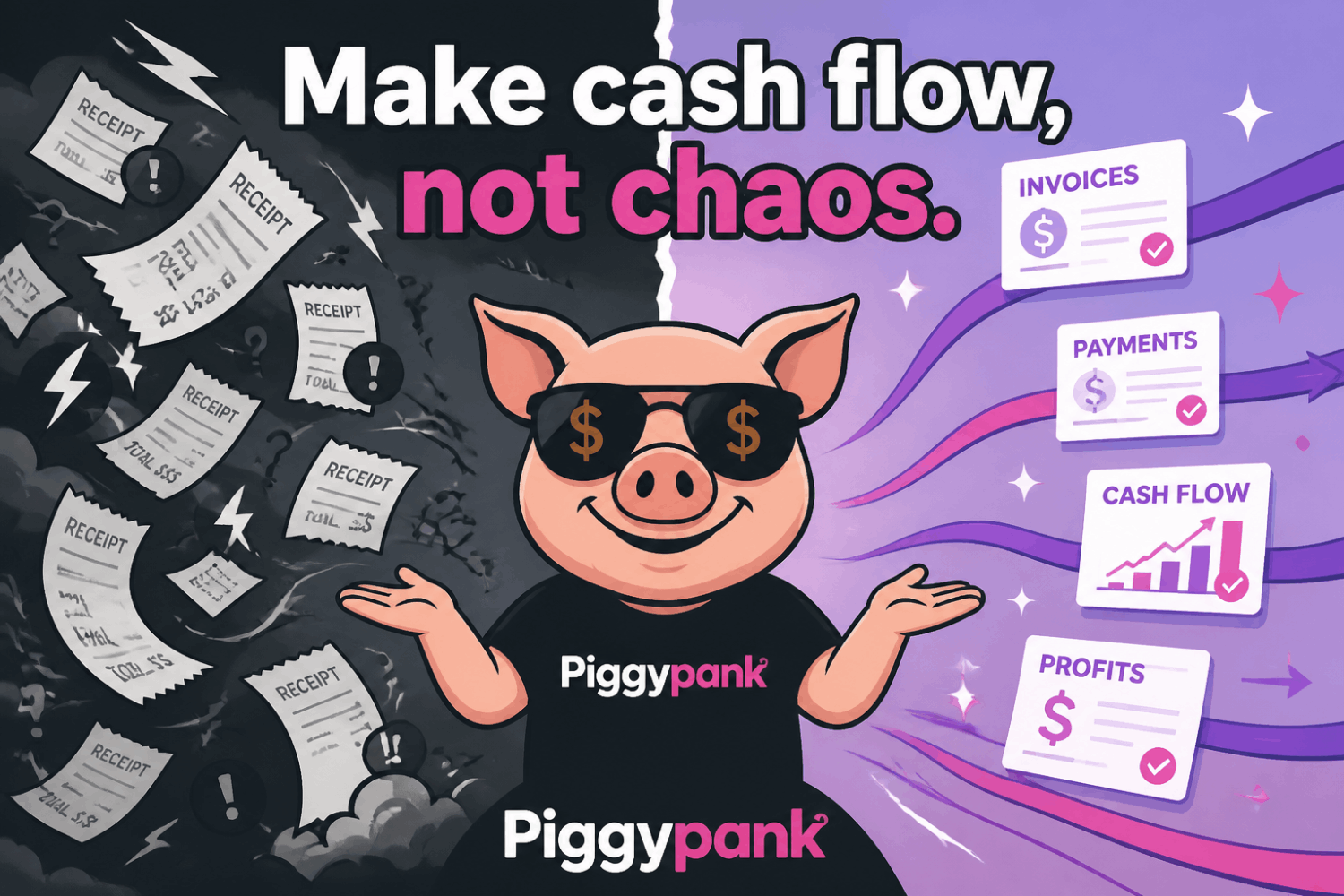
Make cash flow, not chaos.

Make cash flow, not chaos.

Messy receipts vs organized flow.

Smart categorisation

PiggyPank makes the first category guess. Confirm or change it, then reuse your correction as a rule.

Money stress is over. If you track it.

Money stress is over. If you track it.

Track it with PiggyPank.

Transaction tracking

Search by merchant, amount, account, date, category, or tag, then drill back to the original transaction.

Peace, love & positive cash flow.

Peace, love & positive cash flow.

Festival of clarity.

Cash-flow analysis

Use calendar periods, comparisons, charts, and source-level drill-downs to see where money came from and where it went.

Power to your pennies.

Power to your pennies.

Savings that stay sacred.

Savings and investments

Track savings and investments separately from income and expenses, with targets, savings rate, and momentum in view.

All you need is love. A budget helps.

All you need is love. A budget helps.

Valentine clarity.

Budgets and targets

Set budgets and targets, compare them with actual spending, and drill into the transactions behind every result.

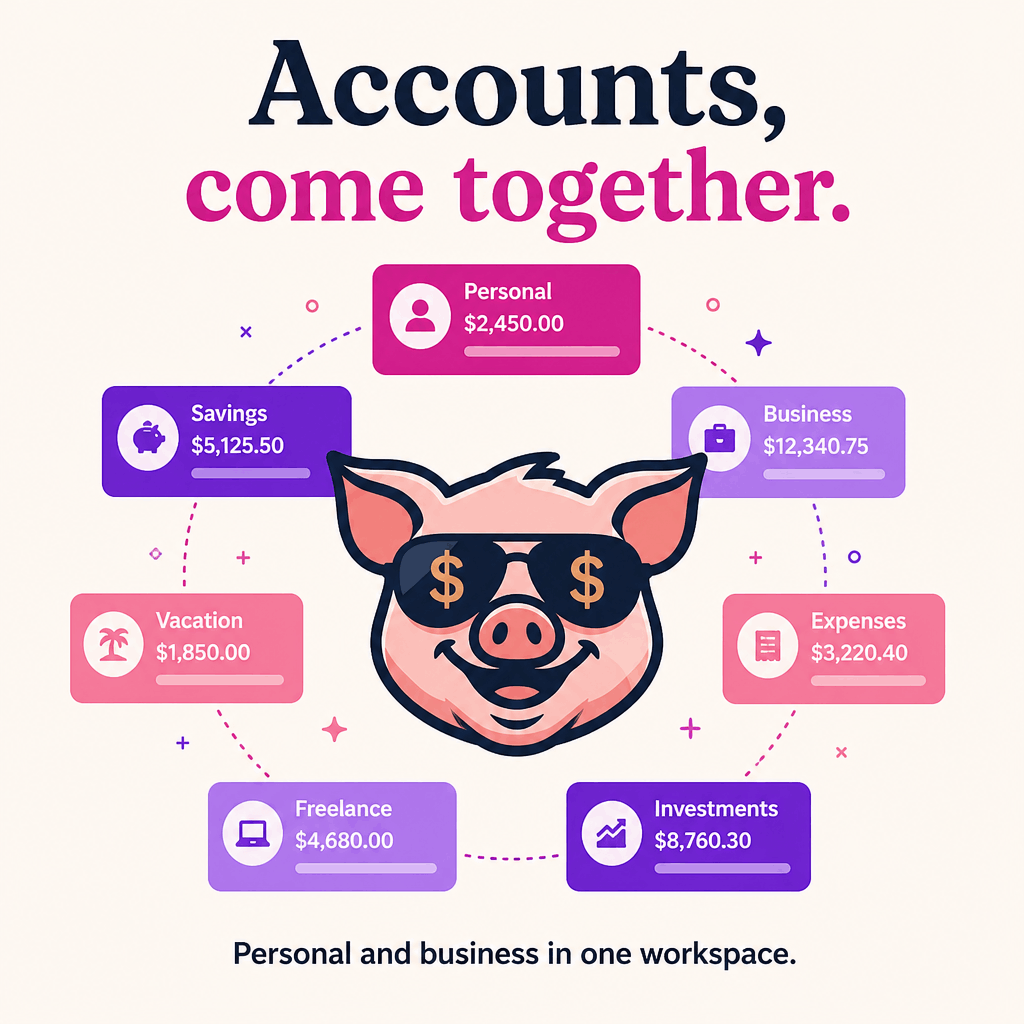
Accounts, come together.

Accounts, come together.

Personal and business profiles. Account roles. Cash-based business views. One workspace.

Multi-account workspace

Keep personal and business profiles, account roles, and cash-based business views together in one workspace.

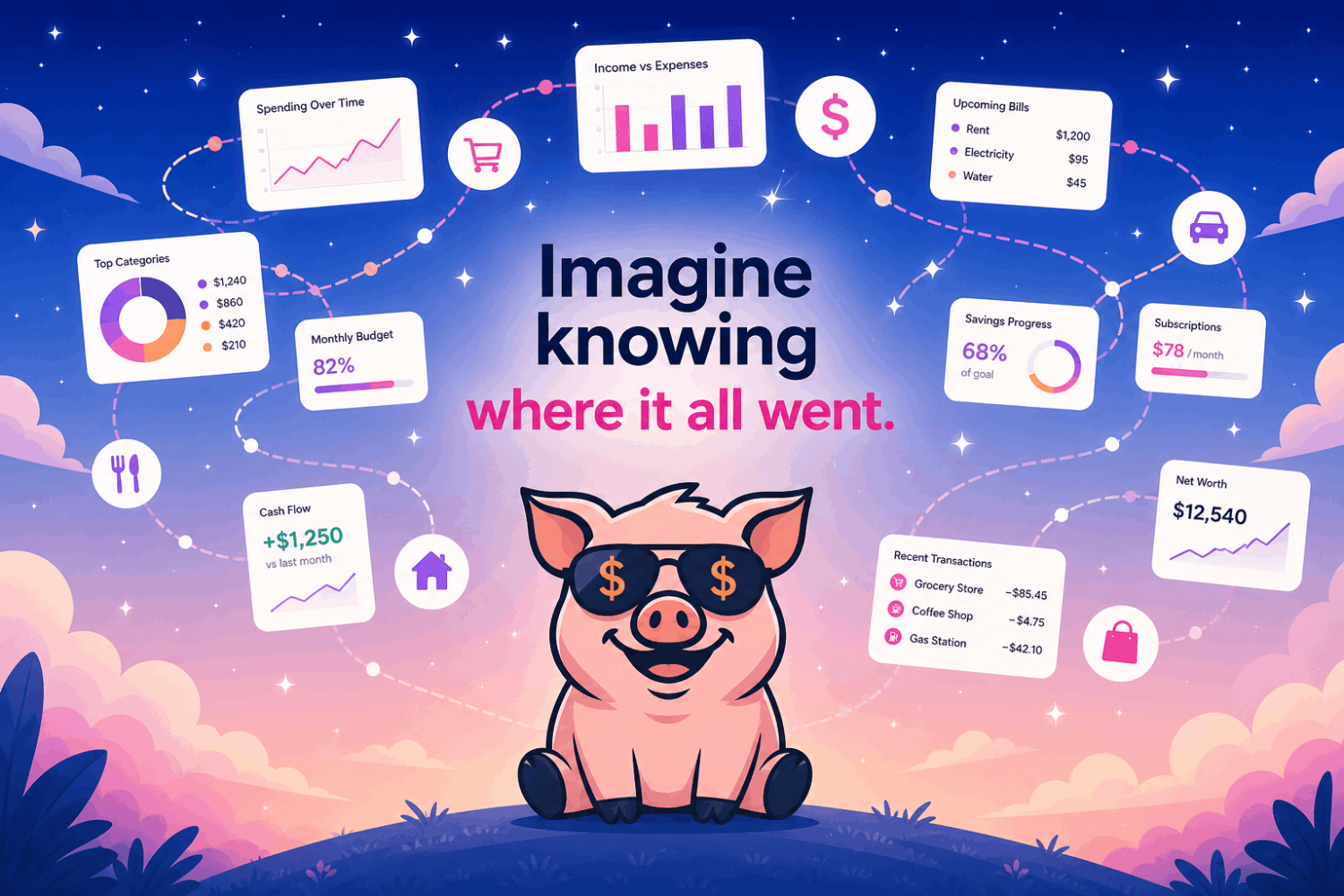
Imagine knowing where it all went.

Imagine knowing where it all went.

From pies and areas to Sankey flows and transaction connections — see the story, not just the rows.

Twelve visualisations

Move between Tree, Pie, Area, Line, Radar, Bubble, Connections, Stacked, Mekko, Funnel, Treemap, and Sankey views, then drill back to the source rows.

Keep calm and cash flow on.

Keep calm and cash flow on.

Cash happens. Know where.

Cash-flow analysis

Use calendar periods, comparisons, charts, and source-level drill-downs to see where money came from and where it went.

Peace out, mystery spending.

Peace out, mystery spending.

Smart categorization makes the first guess. You keep the final word.

Smart categorisation

PiggyPank makes the first category guess. Confirm or change it, then reuse your correction as a rule.

Make peace with your money.

Make peace with your money.

Raw statements and transaction rows stay in this browser — under your control.

Local-first privacy

Raw statements and transaction rows stay in your browser and under your control. No bank connection is required.

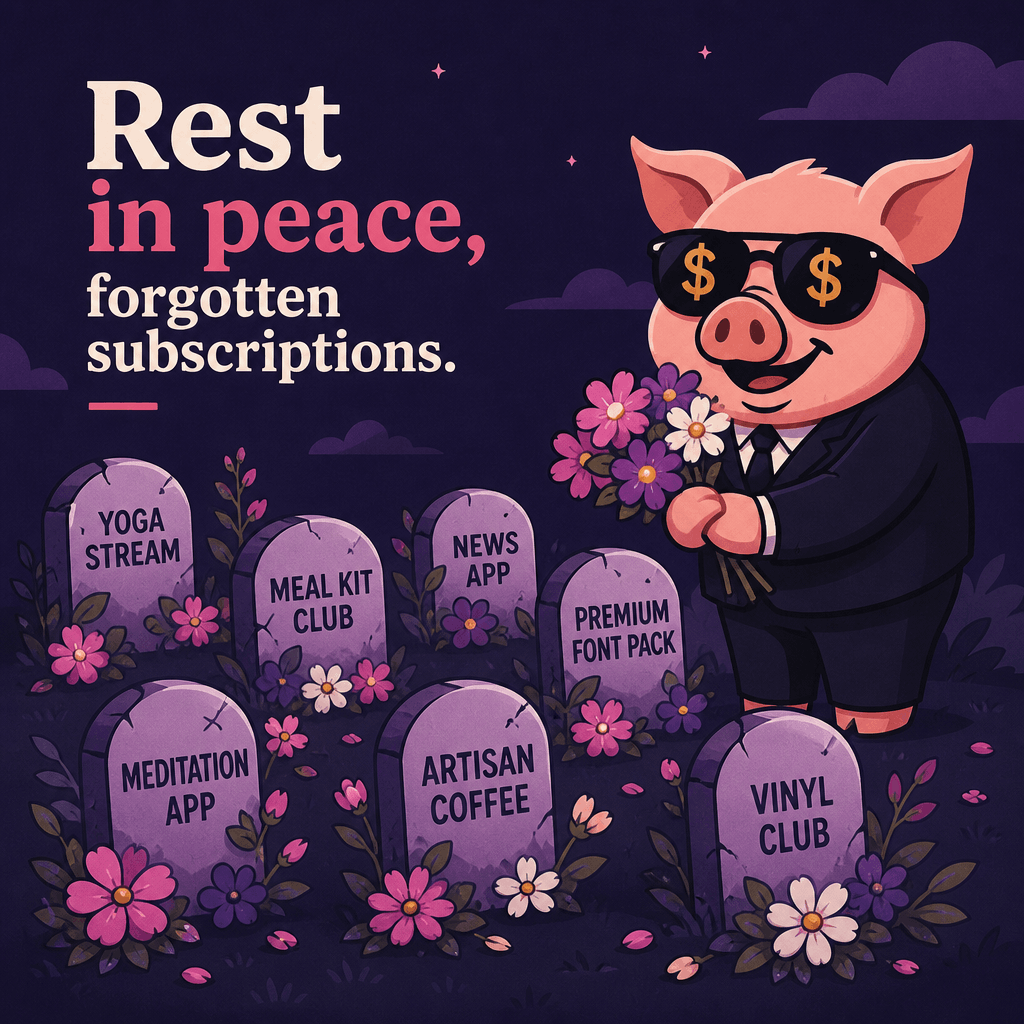
Rest in peace, forgotten subscriptions.

Rest in peace, forgotten subscriptions.

Tiny funerals for charges you don’t need. Flowers included.

Subscription checks

Bring recurring charges into one view so renewals are visible before another month quietly passes.

No more war with your wallet.

No more war with your wallet.

Budgeting without the battle.

Budgets and targets

Set budgets and targets, compare them with actual spending, and drill into the transactions behind every result.

See the pig picture.

See the pig picture.

Track savings and investments without confusing them with income.

Savings and investments

Track savings and investments separately from income and expenses, with targets, savings rate, and momentum in view.

PIGGY POWER.

PIGGY POWER.

Girl power energy — for your cash flow. Cape on. Chaos off.

Scores and recommendations

Review resilience, spending, savings, and momentum scores, then act on practical recommendations without guilt trips.

Peace, love & cash flow.

Peace, love & cash flow.

Money clarity shouldn’t feel like punishment. Your browser. Your data.

Cash-flow analysis

Use calendar periods, comparisons, charts, and source-level drill-downs to see where money came from and where it went.

Give your money a little peace.

Give your money a little peace.

Statement in. Stress out. Drop the export, sort the noise, breathe.

Statement import

Import CSV, XML/camt.053, XLSX, MT940 (.mt940/.sta), OFX/QFX (.ofx/.qfx), and QIF (.qif) statement exports, with duplicate and internal-transfer detection to help clean the result.

Make peace with your money.

Make peace with your money.

Coins, receipts, categories — blooming into something you can actually read.

Smart categorisation

PiggyPank makes the first category guess. Confirm or change it, then reuse your correction as a rule.

Internet wisdom

Cash happens. Know where.

Money talks. PiggyPank takes notes. Reject mystery. Approve clarity.

1 / 15
FIRST STATEMENT IMPORTED.

FIRST STATEMENT IMPORTED.

WE CAN GROW IT.

Statement import

Import CSV, XML/camt.053, XLSX, MT940 (.mt940/.sta), OFX/QFX (.ofx/.qfx), and QIF (.qif) statement exports, with duplicate and internal-transfer detection to help clean the result.

WATCHING MY OLD CHAOS BURN.

WATCHING MY OLD CHAOS BURN.

Statement in. Stress out.

Statement import

Import CSV, XML/camt.053, XLSX, MT940 (.mt940/.sta), OFX/QFX (.ofx/.qfx), and QIF (.qif) statement exports, with duplicate and internal-transfer detection to help clean the result.

THIS IS FINE.

THIS IS FINE.

Narrator: Open PiggyPank.

Subscription checks

Bring recurring charges into one view so renewals are visible before another month quietly passes.

What do we want? Clarity.

What do we want? Clarity.

When do we want it? Monthly.

Cash-flow analysis

Use calendar periods, comparisons, charts, and source-level drill-downs to see where money came from and where it went.

MYSTERY SPENDING CAN WAIT.

MYSTERY SPENDING CAN WAIT.

Categorized cash flow looks better.

Smart categorisation

PiggyPank makes the first category guess. Confirm or change it, then reuse your correction as a rule.

IMPORT CSV.

IMPORT CSV.

IGNORE AND SUFFER.

Statement import

Import CSV, XML/camt.053, XLSX, MT940 (.mt940/.sta), OFX/QFX (.ofx/.qfx), and QIF (.qif) statement exports, with duplicate and internal-transfer detection to help clean the result.

STATEMENT IMPORTS.

STATEMENT IMPORTS.

CHANGE MY MIND.

Statement import

Import CSV, XML/camt.053, XLSX, MT940 (.mt940/.sta), OFX/QFX (.ofx/.qfx), and QIF (.qif) statement exports, with duplicate and internal-transfer detection to help clean the result.

They don’t know I can see every cent.

They don’t know I can see every cent.

Local-first clarity hits different.

Local-first privacy

Raw statements and transaction rows stay in your browser and under your control. No bank connection is required.

AN UNKNOWN CHARGE APPEARED.

AN UNKNOWN CHARGE APPEARED.

Peace out, mystery spending.

Smart categorisation

PiggyPank makes the first category guess. Confirm or change it, then reuse your correction as a rule.

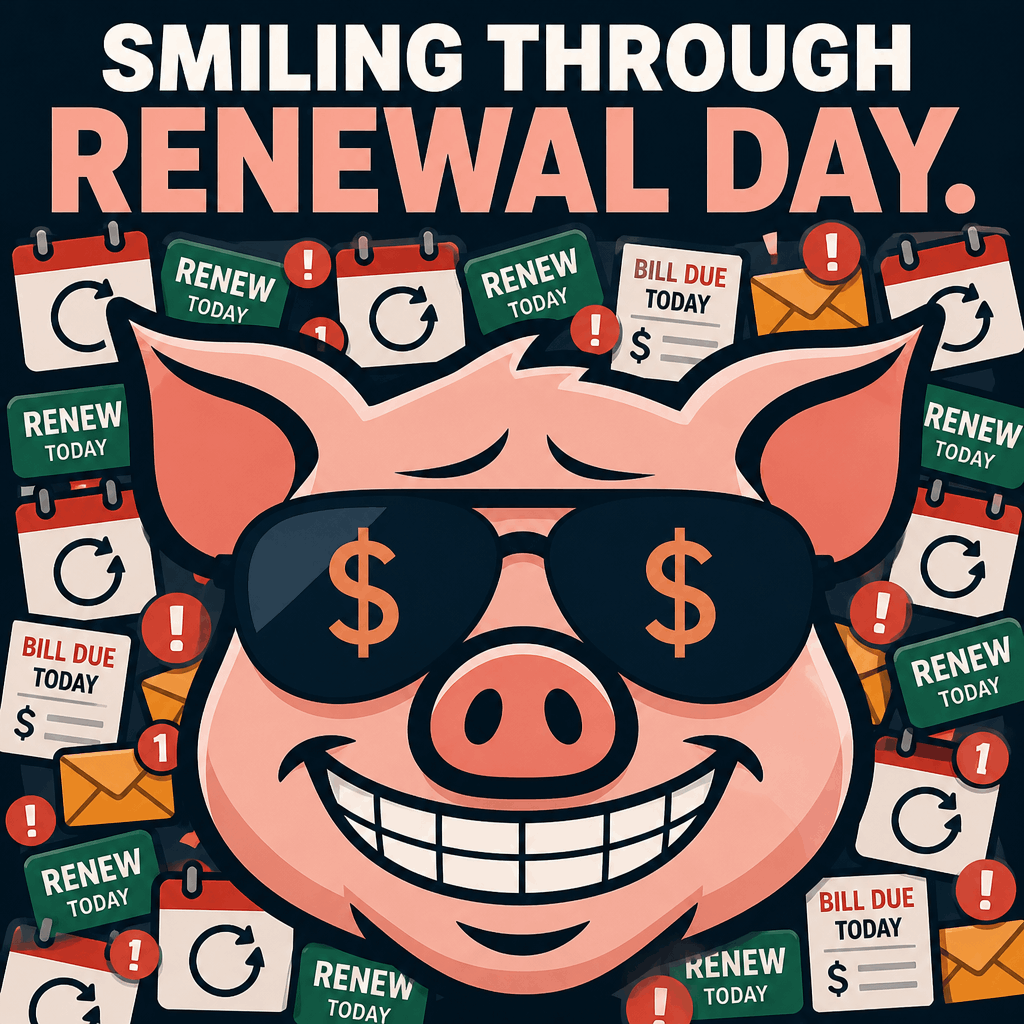
SMILING THROUGH RENEWAL DAY.

SMILING THROUGH RENEWAL DAY.

PiggyPank saw it coming.

Subscription checks

Bring recurring charges into one view so renewals are visible before another month quietly passes.

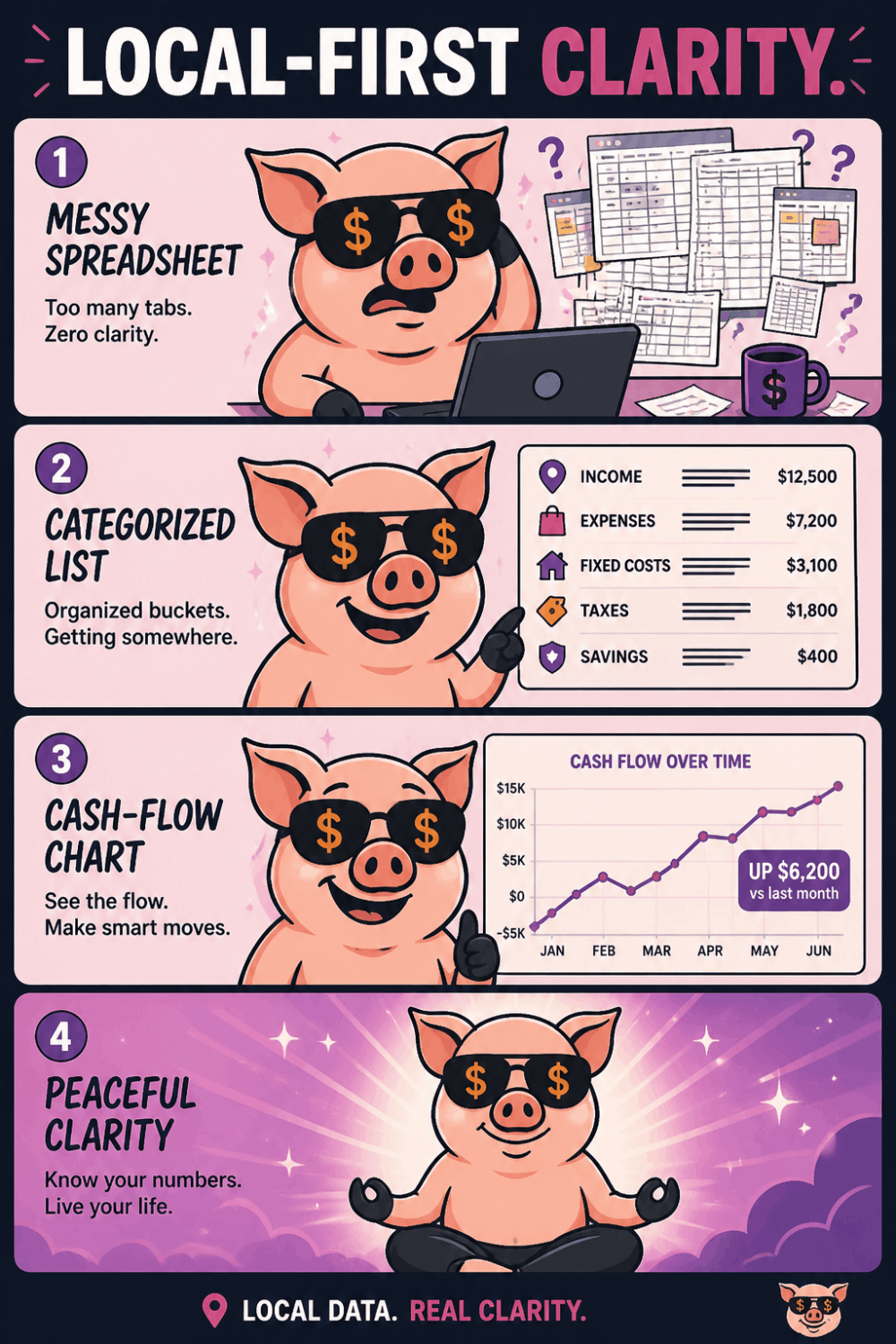
LOCAL-FIRST CLARITY.

LOCAL-FIRST CLARITY.

Spreadsheet → categories → cash flow → peace.

Local-first privacy

Raw statements and transaction rows stay in your browser and under your control. No bank connection is required.

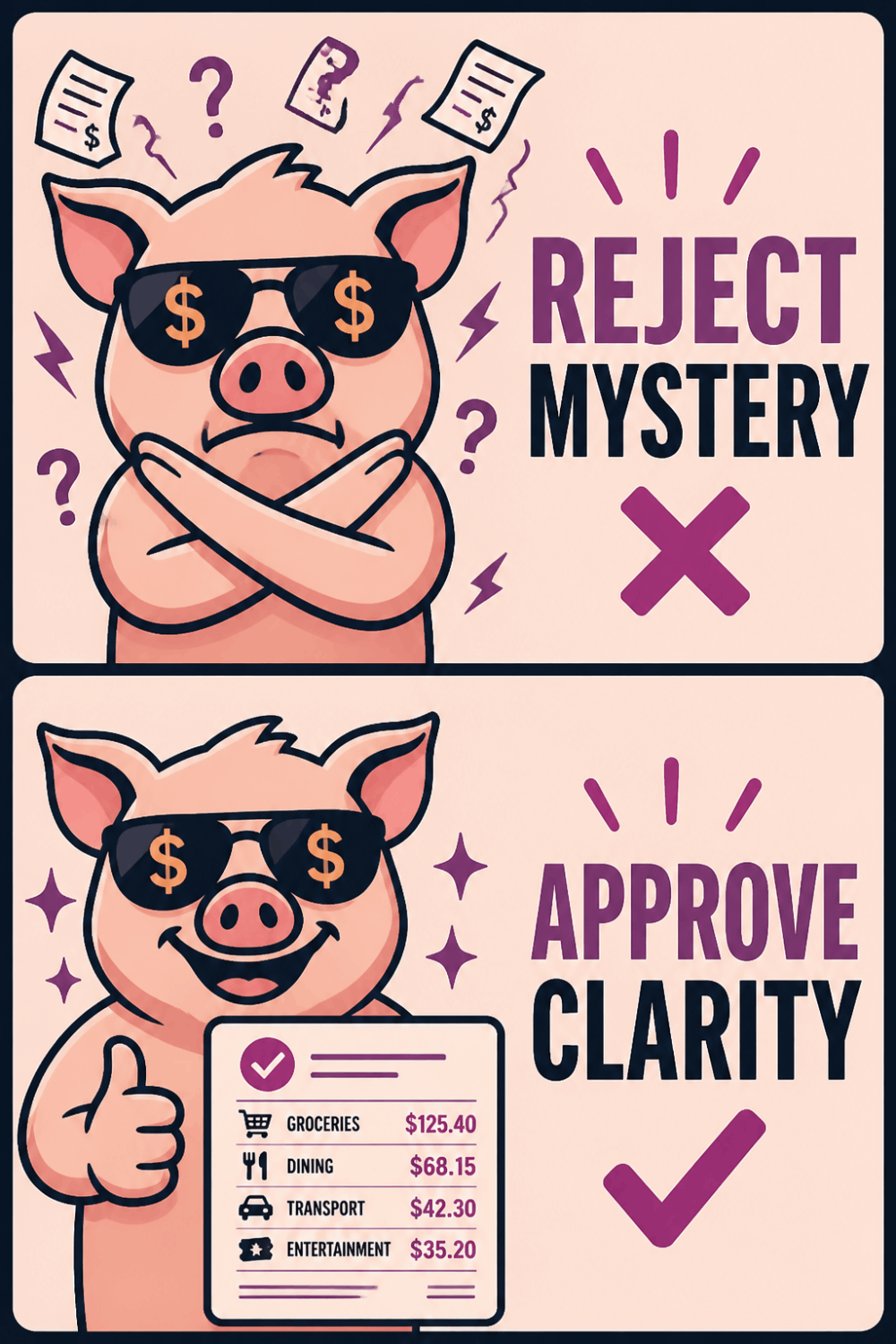
REJECT MYSTERY.

REJECT MYSTERY.

APPROVE CLARITY.

Smart categorisation

PiggyPank makes the first category guess. Confirm or change it, then reuse your correction as a rule.

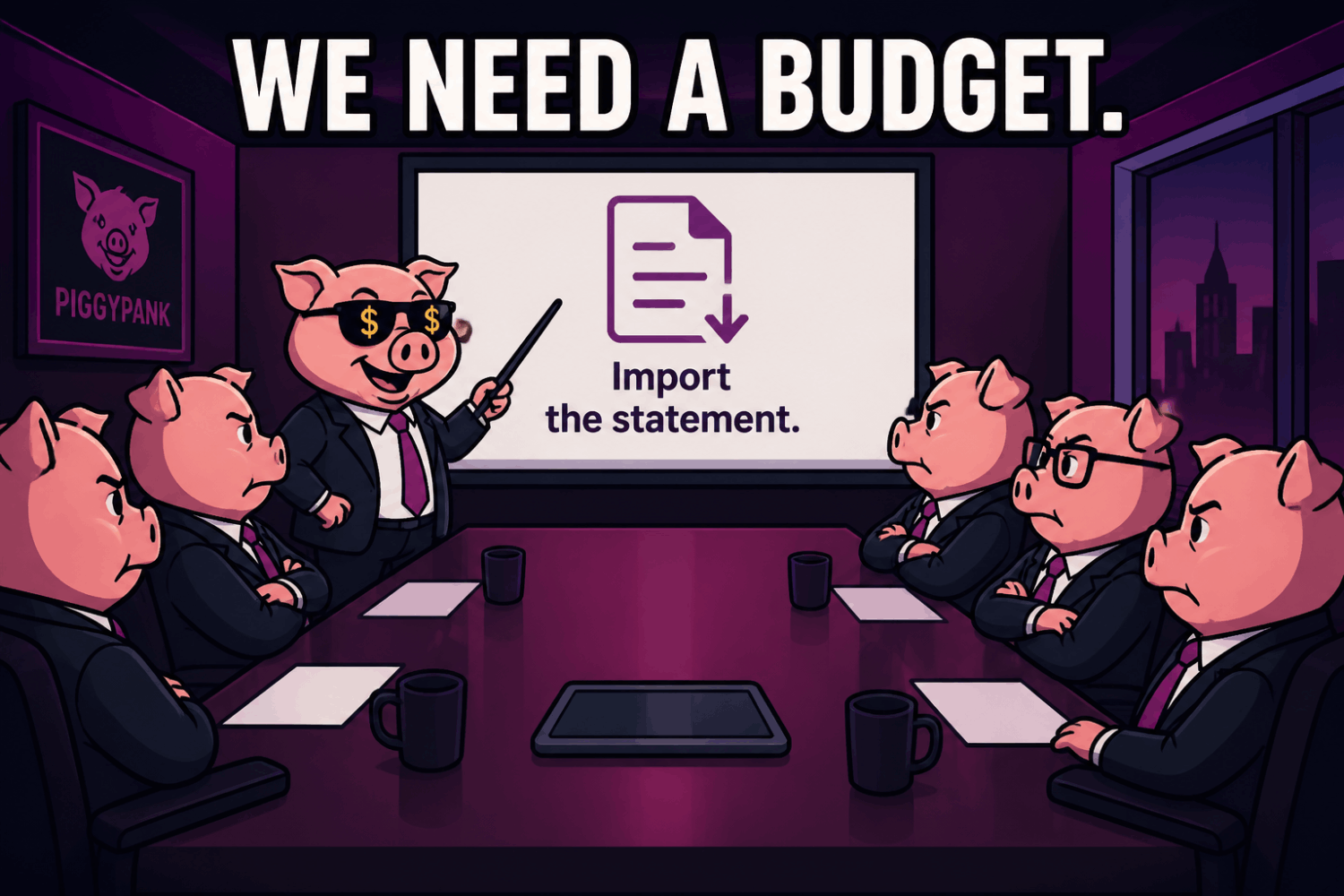
We need a budget.

We need a budget.

Import the statement.

Budgets and targets

Set budgets and targets, compare them with actual spending, and drill into the transactions behind every result.

RAW DATA STAYS IN MY BROWSER.

RAW DATA STAYS IN MY BROWSER.

Cash flow for peace of mind.

Local-first privacy

Raw statements and transaction rows stay in your browser and under your control. No bank connection is required.

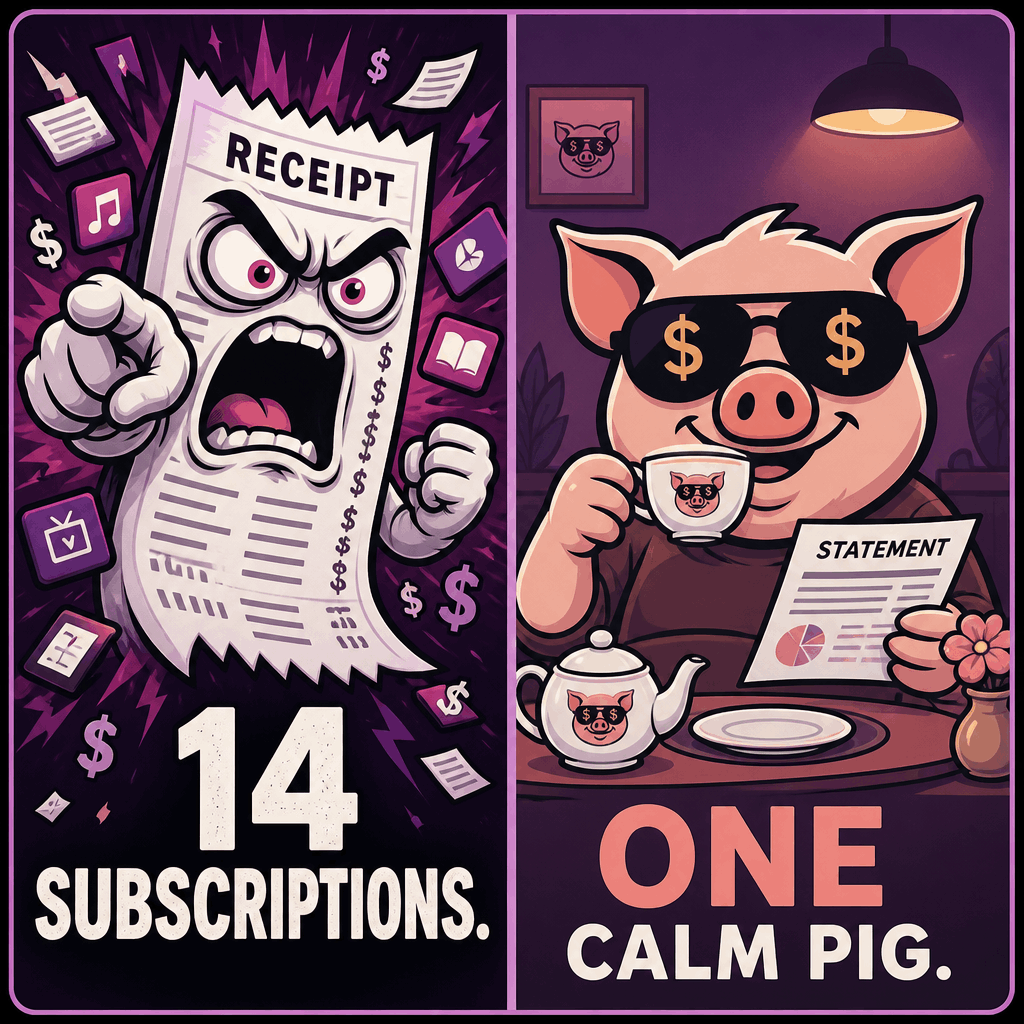
14 SUBSCRIPTIONS.

14 SUBSCRIPTIONS.

ONE CALM PIG.

Subscription checks

Bring recurring charges into one view so renewals are visible before another month quietly passes.

How it works

What do we want? Clarity.

When do we want it? Monthly. No bank connection required; start with the statement files already in your possession.

01

Drop it in

Export a statement from your bank and import it into PiggyPank.

02

Let it settle

Review categories, accounts, transfers, and anything unusual.

03

See clearly

Read your cash flow, compare periods, and choose a useful next step.

Local first

Keep your data close.

Raw statements and transaction rows stay in this browser, under your control. Clarity without the cloud theatre.

Transactions stay in your browser
Files are processed locally
Clear the workspace whenever you wish
Anonymous learning is optional
PiggyPank Give Your Money a Little Peace poster

Why PiggyPank

One need. Plenty of love.

PiggyPank began with a practical need: to visualise and analyse real banking data properly.

That first dataset became its training material. Recurring patterns became rules, and the rough tool grew into a private workspace for statements, cash flow, scores, and decisions.

It has been trained and refined with care ever since. The application became more serious. The pig stayed exactly as relaxed.

Contact

Say hello. Talk money. Share a thought.

Messages go straight to the PiggyPank team. Replies come from a person, not an automated pig.

Up to 4,000 characters

Make peace with your money.

One statement is enough to start seeing the pattern.